Loading Portfolio
Preparing experience...
Preparing experience...
Interactive Developer Technology Stack Configurator & Visual Sandbox
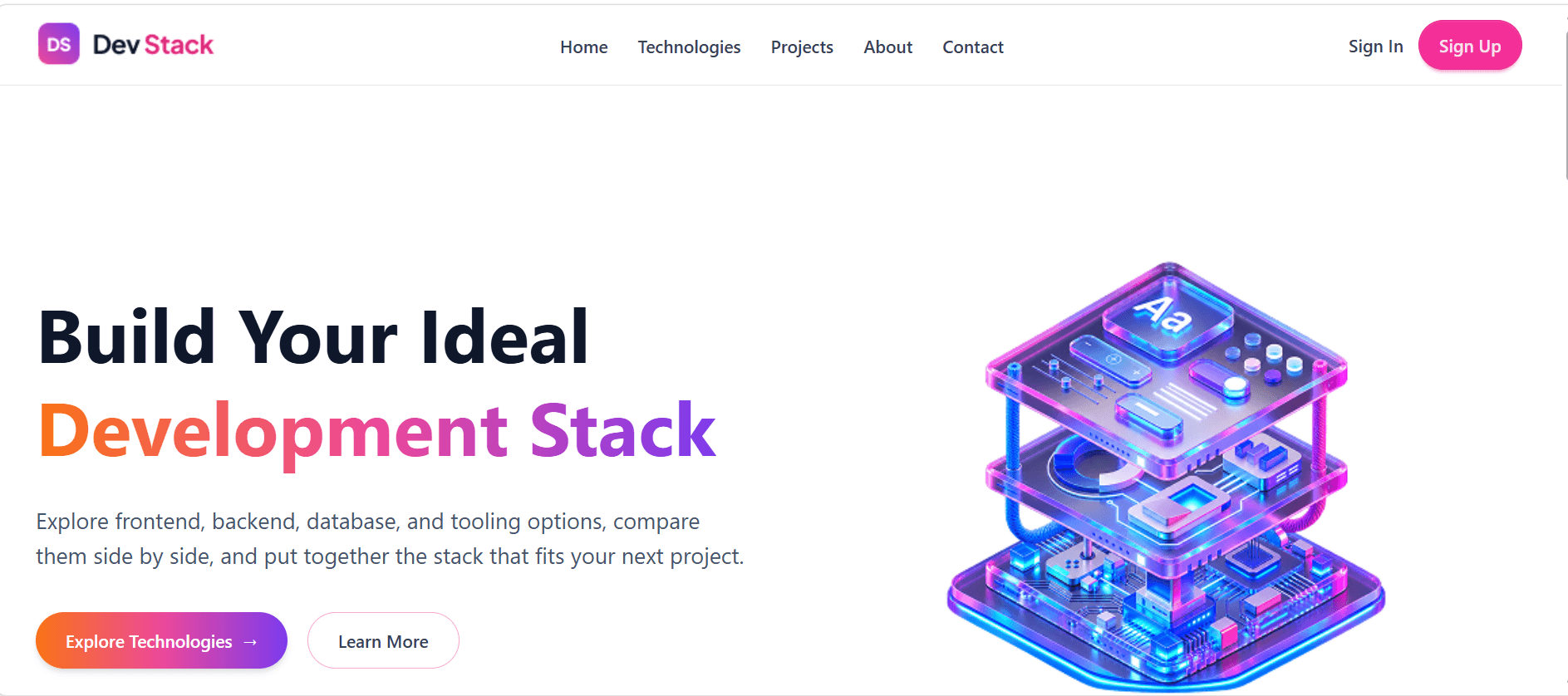
Dev Stack Builder is an interactive developer tool designed to streamline technology evaluation. Whether kickstarting a personal side project or planning an enterprise architecture, developers can browse modern frontend frameworks, backend runtimes, databases, styling engines, and cloud platforms, adding and removing tools into a consolidated stack preview.
Choosing the right technology stack for a new project is often tedious and fraught with compatibility doubts. Developers spend hours cross-referencing documentation, libraries, and boilerplates to determine which tools harmonize. Dev Stack Builder simplifies this exploratory phase with an interactive sandbox.
All technologies implemented directly within the application and client repository:
Categorized Technology Catalog: Explore frameworks, libraries, databases, and DevOps tools with concise role descriptions.
Interactive Add/Remove Interface: Instant toggle mechanics to assemble and reorder your customized development stack.
Category Counters & Summary: Live tally of selected frontend, backend, database, and styling technologies.
Clean UI Ergonomics: Built with Tailwind CSS and DaisyUI components for crisp layout and accessible interactions.
Lightning-Fast Execution: Powered by Vite with zero build-time friction and instant client interactivity.
Real hurdles encountered during architecture, state modeling, and implementation:
The Challenge: Handling multi-selection states across distinct technology categories while supporting filtering, addition, removal, and duplicate prevention.
Approach & Solution: Designed a normalized state structure with TypeScript union types that encapsulates card selection states and supports clean immutable updates.
What I Learned: Enhanced proficiency in strict TypeScript data models, immutability best practices, and defensive coding.
The Challenge: Preventing CSS class conflicts between custom utility classes and DaisyUI pre-styled component abstractions.
Approach & Solution: Scoped theme definitions carefully and utilized precise Tailwind modifier classes to maintain consistent radii, focus states, and color hierarchy.
What I Learned: Learned effective techniques for harmonizing component libraries with tailored custom design systems.
Planned technical enhancements and product refinements:
Stack export to starter repository templates or npx terminal commands.
Curated stack presets (e.g. Modern Full-Stack Next.js, MERN Stack, High-Throughput Microservices).
Estimated setup complexity, learning curve index, and bundle size calculations for chosen stacks.
Browser LocalStorage caching to save multiple named stacks across sessions.